Contents
Increasing your Google reviews is a key strategy for improving your local visibility and inspiring trust in potential customers. This guide reveals 12 ethical methods, from optimizing your Google Business profile to automating review requests. You will learn how to create a direct link, use relevant QR codes, personalize your messages and turn every piece of customer feedback into an opportunity.
To show your reviews on your website without a developer, the review widgets included in the subscription take one line of code.
Google review and visibility fundamentals
We build a lasting strategy by optimizing every aspect of our presence on Google. A complete, verified business profile unlocks premium features and effectively guides users to your review page. A well-filled profile multiplies opportunities and simplifies Google review collection. These fundamentals are taken further in our collection of tips on gathering reviews.

Set up and verify Google Business Profile
We carefully fill in the business name, address, phone number and opening hours to build trust. Choosing a precise category like "artisan bakery" improves visibility and attracts the target audience. This rigor helps us get more Google reviews by increasing our visibility among internet users.
- Rigorous verification: we verify the profile by phone or mail to unlock features, the Google review link and detailed statistics.
- Professional photos: we add quality images (products, team, interior) that we refresh quarterly to keep the profile attractive.
- Engaging content: we regularly share promotions, events and news to stimulate customer interaction.
A restaurant in Lyon corrected its business name and updated its opening hours, tripling visits to its profile in 60 days. The number of positive reviews doubled, proving that reliable information encourages customers to leave their review.
We check that NAP information (name, address, phone) is consistent across all online directories to strengthen our credibility. An optimized Google My Business profile is the essential foundation for getting more reviews and starting effective Google review collection. If your business has just opened, gathering your first sincere testimonials takes a few adjustments.
Create the Google review link and QR code
In the Customers > Reviews > Get reviews tab, we generate the short link g.page/... that leads straight to your Google review page. After testing it in a private browsing window, we shorten it via bit.ly to make mobile sharing easier. This compact format helps you get more Google reviews by email, SMS or social media. A Google review link generator that creates the short link makes this step even simpler.
We then create a QR code that redirects to this direct link using a free generator. Printed on receipts or displayed in the window, it discreetly invites customers to leave their feedback. We train our team to present this material naturally during service. All the ways to create and share this link are gathered in the step-by-step guide to the review link.
Display reviews and a map on the client's website
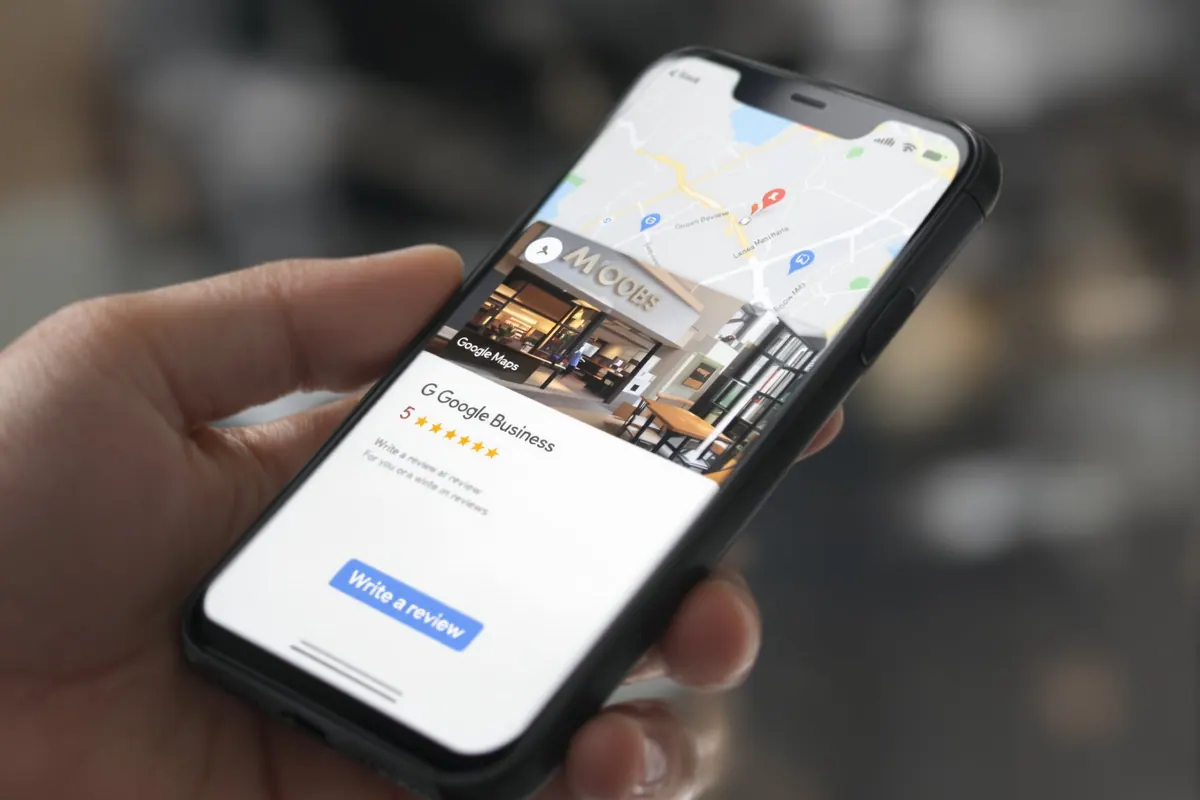
We embed an interactive Google Maps map in the footer or contact page to make the business easy to locate. A "Leave a review" button redirects to the review page, simplifying the process and supporting Google review collection.
We also add a Google reviews widget on the home page, displaying your best testimonials with customer photos. This social proof builds trust, motivates satisfied customers and helps us get more Google reviews.
Timing and channels for Google reviews
To optimize visibility and responses, we ask customers at the moment their satisfaction is at its peak. The channel chosen (email, SMS, WhatsApp or physical QR code) and how personal the message is play a key role in getting customers to take the time to leave a Google review, improve our overall rating and strengthen our review page.
Ask the customer at the right time
For a short service, we send a thank-you email within 24 to 48 hours of the experience, while the memory is still fresh. For a technical product or an online order, we wait 3 to 7 days to gather thoughtful opinions and get more authentic reviews. This carefully calculated interval lets us collect reviews without tiring our customers. For an online purchase, the method to collect and manage reviews after an order follows the same logic.
- In-store QR code: We take advantage of the immediate enthusiasm with a QR code on the receipt or payment terminal, along with a simple prompt like: "If you liked our service, leave a Google review here".
- SMS reminder on day 5: If we see no response, we send a short message with the direct link, the customer's first name and a personal touch.
- Special events: During trade shows, workshops or launches, strategically placed tablets or QR codes help us collect reviews live from an attentive audience.
- Automatic stop: As soon as a customer posts their review, we stop the reminders to avoid any annoyance and protect the relationship.
A striking example: an organic shop multiplied its responses by 4 by combining an email on day 2 with an SMS on day 5, going from 5% to 20% of customers leaving reviews in 2 months. This well-balanced rhythm respects the customer while helping us get more Google reviews.
Personalize your short, effective messages
We create brief invitations (3-4 sentences maximum) with the first name, the order reference and a clear call to action. For example: "Hello Paul, glad you like your order from 15/01! Your feedback helps us ask for Google reviews that are useful to future customers. Share your experience here: [direct link]".
We simply explain how to sign in to Google (possible with any email) and detail the 3 steps: click, rate, comment if desired. This clarity encourages even those least comfortable with technology to take part.
We multiply the opportunities by systematically including the direct link in email signatures, invoices, confirmation pages and WhatsApp messages. This discreet presence keeps the option accessible without being intrusive, so you get more reviews naturally.
Collect on site with QR codes and tablets
We strategically place QR codes in high-traffic spots (counters, tables, fitting rooms). A restaurant in Lyon boosted its reviews by 40% in 3 months simply by printing the code on its bills, improving its visibility.
At events, a tablet pre-set to our review page simplifies the experience: scan, rate and comment in a few clicks. This frictionless system lets us collect high-quality reviews right on the spot and get more relevant Google reviews.
Automate and manage your Google reviews
By automatically sending invitations through our CRM and e-commerce solutions, we gain efficiency and consistency. This review automation lets us handle a large volume of requests without extra staff, while precisely targeting each customer to protect our online reputation.
CRM reminders and multi-channel scenarios
Our system integrates seamlessly with HubSpot, Salesforce, Shopify or Zapier to automatically launch invitation emails when the order is confirmed, the parcel delivered or the appointment finished. The process includes a first email on day 2, an SMS on day 5 if no Google review has been left, then a final reminder on day 10 before automatic deactivation. This avoids overwhelming customers while helping us get more reviews.
Each reminder channel (SMS, email, QR code or WhatsApp) is trackable in our dashboard. The data shows that SMS generates on average 15% more reviews than emails, which makes it our preferred channel for urgent reminders.
| Channel | Average delay | Conversion rate | Cost per review |
| Automatic email | 48 hours | 8–12% | €0.05 |
| Personalized SMS | 5 days | 18–25% | €0.15 |
| Physical QR code | Immediate | 10–15% | €0.02 |
| WhatsApp Business | 3 days | 20–30% | €0.08 |
Smart segmentation and goals
Before each invitation, a short NPS or CSAT survey measures customer satisfaction. If the score is at least 4/5, the customer receives the link to leave a review on Google. If the score is lower, a private email is sent to customer service. This filtering reduces the risk of public negative reviews and turns negative feedback into opportunities for improvement.
We set goals suited to each business: 5 to 10 reviews per month for a small business, 15 to 25 for an SME, at least 50 for a national chain. Weekly tracking of review volume, average rating and handling times lets us quickly adjust our strategy to get more quality Google reviews, which is crucial for local SEO.
Manage and showcase Google reviews
We turn every Google review into an opportunity to strengthen your business's customer loyalty and reputation. With fast, tailor-made replies, we highlight positive Google reviews while handling negative ones transparently. This lastingly boosts your local visibility.
The 3R method and response times
Faced with a negative review, we apply our 3R method: Recognize the problem, Responsibilize the team concerned, then Resolve it with a suitable solution (call, goodwill gesture or appointment). This approach often lets us turn dissatisfaction into positive Google reviews.
Our commitment: reply within 24 hours to 1 to 3-star reviews, and within 72 hours to the best ratings. We always cite a specific detail (such as "your mention of our new vegetarian burger") to prove that we read every comment. This attention encourages customers to leave detailed Google reviews.
Turn reviews into marketing assets
The best 5-star Google reviews become powerful arguments: we use them in our emails, on our dedicated review page and on social media. This program helped a Paris salon increase its appointments by 30% thanks to this stronger visibility.
In team meetings, we recognize the colleagues mentioned in positive feedback. This recognition motivates teams and creates a culture of excellence that naturally leads to more authentic Google reviews, without pushy requests. To reach the top of the rankings, discover how to get 5-star Google reviews regularly.
Alert and moderation process
As soon as a negative review (3 stars or fewer) appears on your Google Business profile, we receive an instant alert. This lets us reply to reviews within 2 hours at most, showing your responsiveness to the unhappy customer.
We actively monitor abusive content (fake profiles, insults) through Google's reporting tool. Each case is documented (screenshots + emails) to protect your number of legitimate reviews. This vigilance ensures the credibility of your review page.
After a problem is resolved, we politely invite the customer to update their rating. Example: a garage in Toulouse turned 4 two-star reviews into five stars thanks to this follow-up. An effective method to get more Google reviews and prove your commitment to quality.
Legality and ethics around Google reviews
Our approach strictly complies with European and French regulations, which formally forbid buying or fabricating misleading testimonials. This legal rigor guarantees lasting results, strengthens customer trust and optimizes the visibility of your business profile, knowing that both Google and consumers quickly detect manipulation.
Avoid fake reviews and penalties
Buying reviews is commercial fraud that is severely punished by the Omnibus Directive and the Consumer Code. Businesses caught doing it face:
- Substantial fines (several tens of thousands of euros)
- Criminal prosecution
- Removal of fraudulent positive Google reviews
- A drop in your overall rating
- Algorithmic penalties (lasting downranking in local results)
Google notably spots:
- Abnormal spikes of sudden posts
- Suspicious IP addresses
- Repetitive wording or machine translations
- Recently created inactive accounts
Our ethical methodology:
- We never make a reward (discount, gift) conditional on posting a 5-star review
- All our customers can take part in our promotions, whatever their feedback
By naturally generating 5 to 15 positive reviews per month (depending on your industry), we build a relationship of genuine trust with your customers. This gradual approach lastingly improves your review page with no risk to your online presence.
Reporting procedures and customer transparency
Our process guarantees complete integrity:
- Systematic reporting of fraudulent reviews via Google Business Profile
- Archiving of evidence (time-stamped screenshots)
- Reasoned public replies to unfounded accusations
- Systematic offer of a private conversation with the customer concerned
This transparency reassures prospects viewing your business profile. To go deeper, our complete guide to getting more Google reviews will help you grow your visibility while avoiding fake positive Google reviews.
Frequently asked questions
How can I get more Google reviews?
To get more reviews, we start by optimizing your Google Business profile: we check that all the information is complete, add recent photos and confirm that the business is verified. This crucial step builds customer trust and improves your local visibility. Then we generate a direct link to your review page and share it via email, SMS and QR code. This simple, effective method naturally encourages your customers to leave a review and multiplies positive reviews.
Is it possible to buy positive reviews on Google?
No, buying positive Google reviews is strictly forbidden in Europe because it is a fraudulent practice. Google's algorithms quickly detect this manipulation by analyzing sudden increases in reviews, suspicious IP addresses and inconsistent profiles. The consequences can be serious: removal of positive reviews, suspension of your business profile or downranking in the results. Honest review collection, even if it takes longer, is far more effective for winning customers' trust and lastingly improving your reputation.
Why have my Google reviews disappeared?
Google reviews can disappear for several reasons: removal by Google for breaking the rules, temporary suspension of your Google Business profile or a simple technical bug. We recommend that you: check the verification status of your business profile, review your Google review collection method, then contact Google Business Profile support. If there is a problem, keep evidence (screenshots), request a review and continue regular, authentic collection of reviews to restore trust and reassure your customers.