Contents
You can try monbizness for 14 days without a card and measure the effect on your reviews within weeks.
How to use the Google review link effectively
Want to know how to use the Google review link effectively to get more customer feedback? This guide shows you step by step how to create a secure direct link, use it to improve your online reputation, optimize your local SEO on Google Maps and increase the number of positive reviews.
Create a Google review link easily
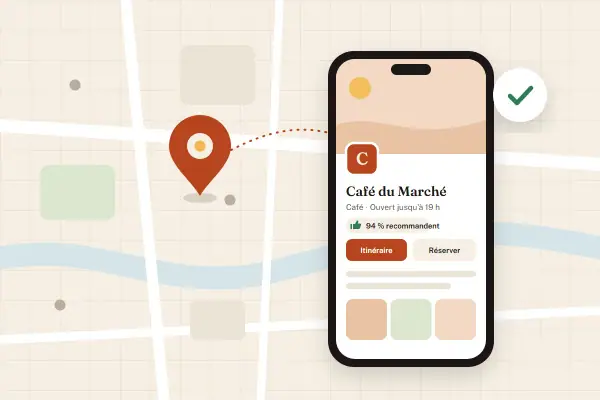
Customer reviews are essential for your business's visibility and credibility. The Google review request link simplifies the process for your customers and encourages them to post on your Google My Business profile. This practical solution lets anyone create a review link in a few clicks, from any device, while strengthening your local presence.
How to create your Google review link
To create a custom link, sign in to your Google Business space (Business Profile) and go to the "Get more reviews" section. Simply copy the URL generated by Google - this direct link automatically sends your customers to your Google review page, without them having to look you up on Maps.
Another effective method: use Google's Place ID Finder. Find your business, copy its unique identifier, then add it to this official address: https://search.google.com/local/writereview?placeid=VOTRE_ID. This gives you a direct link to the Google review form, in line with Google's official rules.
On mobile, via the Google Business Profile app, go to the "Customers" → "Reviews" → "Share" section. This review request link can be sent by SMS, email or messaging app. Always test your link in a private browsing window to check that it leads straight to the review page.
Creating your review link has never been easier: you make review collection simple while following Google's official guidelines. This link is just one of the tools presented in our section on review collection.
Ways to share the Google review link
Share your direct link effectively with these methods:
- Add it to your automatic emails, invoices or customer receipts
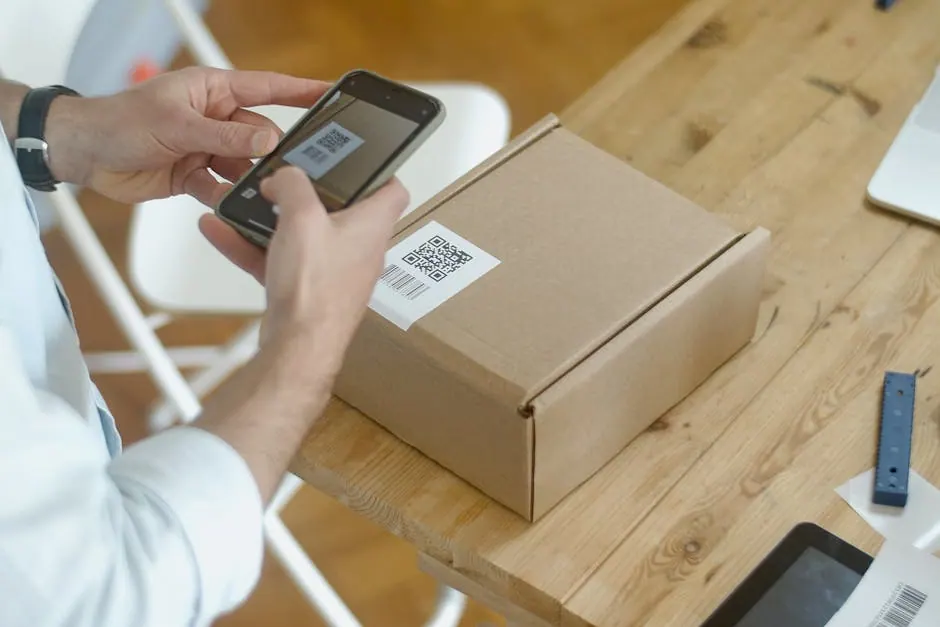
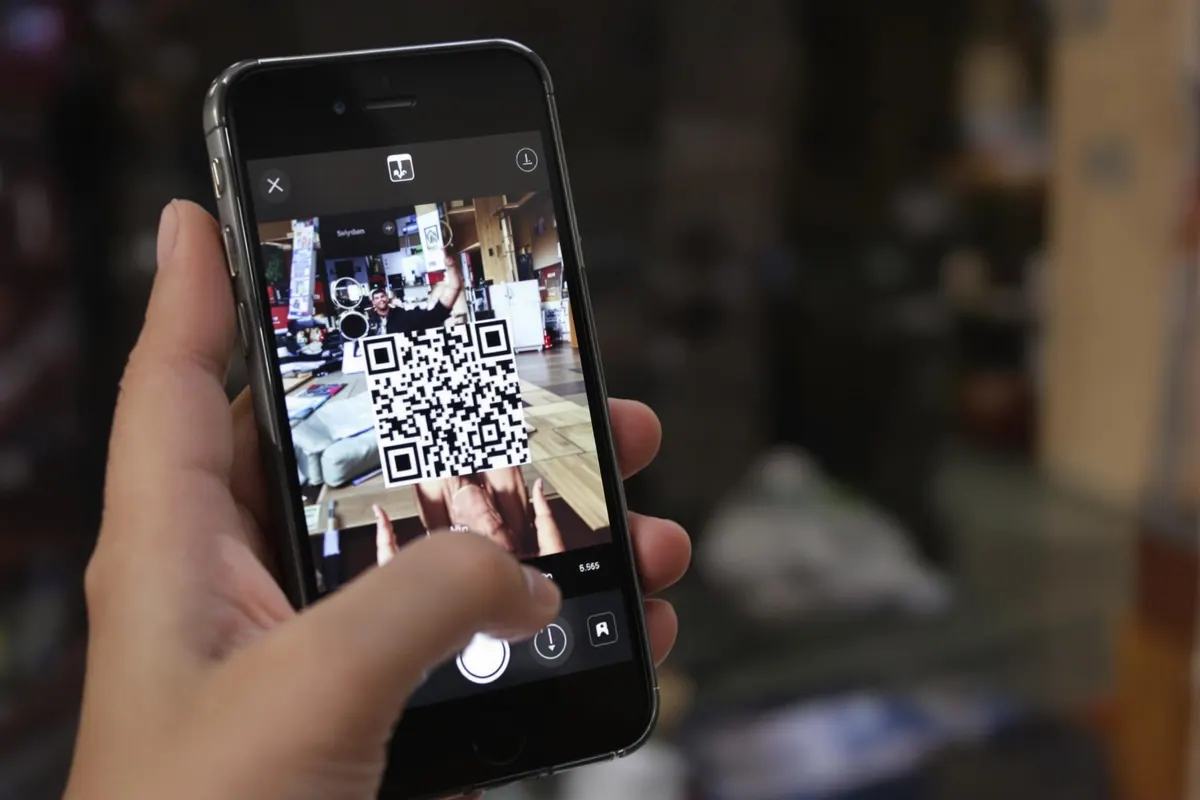
- Turn it into a QR code to display on your physical materials
- Send it via SMS, WhatsApp or social media to ask for Google reviews at the right time
Include this link or its QR code on your website (footer or Contact page) with a clear invitation: "Give us your feedback in 2 minutes on our Google My Business profile".
Shorten and customize your Google My Business review link
For more effectiveness, shorten the URL with tools like Bit.ly. A condensed link (e.g. bit.ly/DupontRestaurantReviews) significantly increases the click-through rate.
For a more professional look, create a redirect from your own domain (e.g. yoursite.com/reviews). This solution keeps working even if you change your Google profile.
Turn your review link into a QR code with an encouraging message like "1 minute to help us improve" - some businesses see up to 30% more positive reviews.
By regularly sharing this direct link, you improve your Google business profile, optimize your Google Business listing and turn your satisfied customers into ambassadors. Discover our advanced strategies to make the most of your reviews.
Ask for customer reviews with a Google link
Collecting good Google reviews depends above all on how you ask for reviews. By personalizing your requests, choosing the right timing and sharing a suitable link, you respect Google My Business rules while maximizing your collection.
How to personalize your Google review request well
To get relevant Google reviews, take a human approach: use the customer's first name and mention their recent visit. For example: "Hello Sophie, we hope you enjoyed your lunch with us yesterday! Your feedback would be very valuable on our Google Business profile."
- Targeted approach: mentioning the first name and specific details encourages detailed reviews.
- Multiply your channels: email, SMS (ideally 48 hours after the experience for a better response rate) and business messaging apps.
- Clarity: make it clear that posting a review takes only a few minutes.
This personalized method strengthens your customer relationship, generates more authentic customer reviews and stays 100% compliant with Google's guidelines. Other methods help you encourage your customers to leave sincere reviews every day.
When and how to ask for Google reviews
Contact your customers within 7 days of their visit: follow-up email, reminder SMS, or QR code on their documents. This setup improves your review collection by simplifying the process.
Present your direct link in an accessible way: "Give your feedback in 1 click on our Google page". Diversify the media: social networks, in-person reception, customer support or even NFC stickers.
Find out how to benefit from Google reviews for your business: effective requests, replying to comments, highlighting the best testimonials and optimizing your Google My Business profile. Boost your reputation with customer reviews
Collect and share Google reviews with the dedicated link
Getting customer reviews on Google becomes much easier with the direct link. Just share it frequently with your customers. By automating this on different channels, you multiply your Google reviews while consolidating your online visibility - a crucial asset for local businesses.
Simplify customer review collection
Set up automatic sending of review requests from your Google Business space: by email or SMS after each transaction. This solution guarantees a regular flow of testimonials without manual intervention. Sending this request right after the sale is covered in our guide to post-purchase customer feedback.
Your dashboard shows in real time the number of reviews received, your response rate and your average. The goal? Reach 5 to 10 new reviews each month to meet Google's expectations.
Share your Google review link everywhere
Maximize your chances of receiving reviews: add a QR code to your documents, include a shortened URL in your messages, post regularly on social media. Let your customers know that posting a Google review is quick and very simple.
| Channel | Frequency | Estimated response rate |
| Post-purchase email | After each transaction | ≈ 20% |
| Automated SMS | 48 h after the visit | ≈ 25% |
| In-store QR code | Permanent | 10-30% |
| Social media | Weekly | ≈ 15% |
By regularly analyzing your results, you can optimize your requests and make your review link perform even better.
Showcase your best feedback on your website, your Google My Business profile or your social media: this proof of satisfaction will attract new customers and increase your sales. Our complete guide reveals how to benefit from every Google review to grow your business: creating links and QR codes, automating reminders and handling negative criticism. Boost your local visibility with Google reviews
Moderate and showcase Google reviews
Quick, personalized management of your Google reviews strengthens your business's credibility. Replying within 24 to 48 hours shows that you take every piece of customer feedback into account, while optimizing the visibility of your Google My Business profile.

Respond effectively to Google customer reviews
For positive reviews, always personalize your reply by citing the customer's first name and the service concerned (example: "Thank you Paul for your feedback on our delivery service!"). Faced with a negative review, take a constructive approach: apologize sincerely, offer a solution and invite a private conversation. This demonstrates your professionalism.
Create a moderation charter that clearly defines the tone to use and reply deadlines. To report inappropriate content, use only Google's official tool. This rigor keeps your Google Business profile in perfect shape.
Showcase your best Google My Business reviews
Maximize the impact of your best testimonials by sharing them on different channels: website, social media or a physical display in your window. Pinning a particularly glowing customer review on your profile encourages visitors to post their own reviews on Google.
Regularly analyze comments to identify recurring keywords. This information helps you better understand your customers' expectations and constantly improve your services, while strengthening your online reputation.
Boost local SEO with Google reviews
Regularly sending review requests with your custom link significantly improves your ranking on Google Maps and in local search results. Google indeed favors business profiles that are constantly enriched by new customer reviews. The direct link fits into several methods to earn Google reviews that reinforce each other.
Why Google reviews boost visibility
The algorithm particularly rewards dynamic, well-rated businesses. The more detailed comments you receive, the more visible your Google profile becomes. Keep an eye on your key indicators: overall rating, number of reviews and recurring terms.
- Strengthen your online reputation: Positive feedback reassures and persuades potential customers.
- Optimize your local SEO: Mentions like "fast service" or "warm welcome" increase your relevance.
- Boost your conversions: Authentic testimonials directly guide consumers' choices.
Automate sending your review request link after each purchase - by email, SMS or QR code. Add encouraging messages like "30 seconds to support us!" in your shop.
Always reply to customer reviews the same day: this shows a maximum response rate on your Google profile, tangible proof of your involvement.
To go further, see our complete guide to managing customer reviews, from posting a review to using them strategically.
Frequently asked questions
How do I make a link for Google reviews?
Sign in to your Google Business profile, go to the "Get more reviews" section, then copy the short URL shown. You can also use the Place ID Finder and build the address: https://search.google.com/local/writereview?placeid=VOTRE_ID. This gives you a direct link to the Google review form.
How do I get the link to a Google review?
From your Google Business space, open the "Reviews" tab then click "Share review form". The link you get sends your customers straight to the review page. Test it in a private browsing window to make sure it takes only one click.
How do I ask customers to leave a Google review?
Send a personalized message (first name + service reference) within 48 hours of the purchase. Include your direct link or a QR code, mention that it takes less than two minutes and thank them in advance. An SMS 48 hours after the visit can increase responses by 20%.